
The reservation system your whole restaurant runs on.
Website bookings, card holds and deposits against no-shows, gift cards, events, and the whole service on one live timeline.
The demo is the real app with a pretend restaurant – click anything on the timeline and in Settings. No sign-up.
What your guests see
Your booking button takes your colours, so it looks like part of your own site. One line of code – or no website at all: every restaurant gets its own AVA booking link and gift-card shop.
Pick the widget bar or transparent buttons in your site's own font – and where they sit. Change them in Settings; your website follows without new code.
Try booking as a guest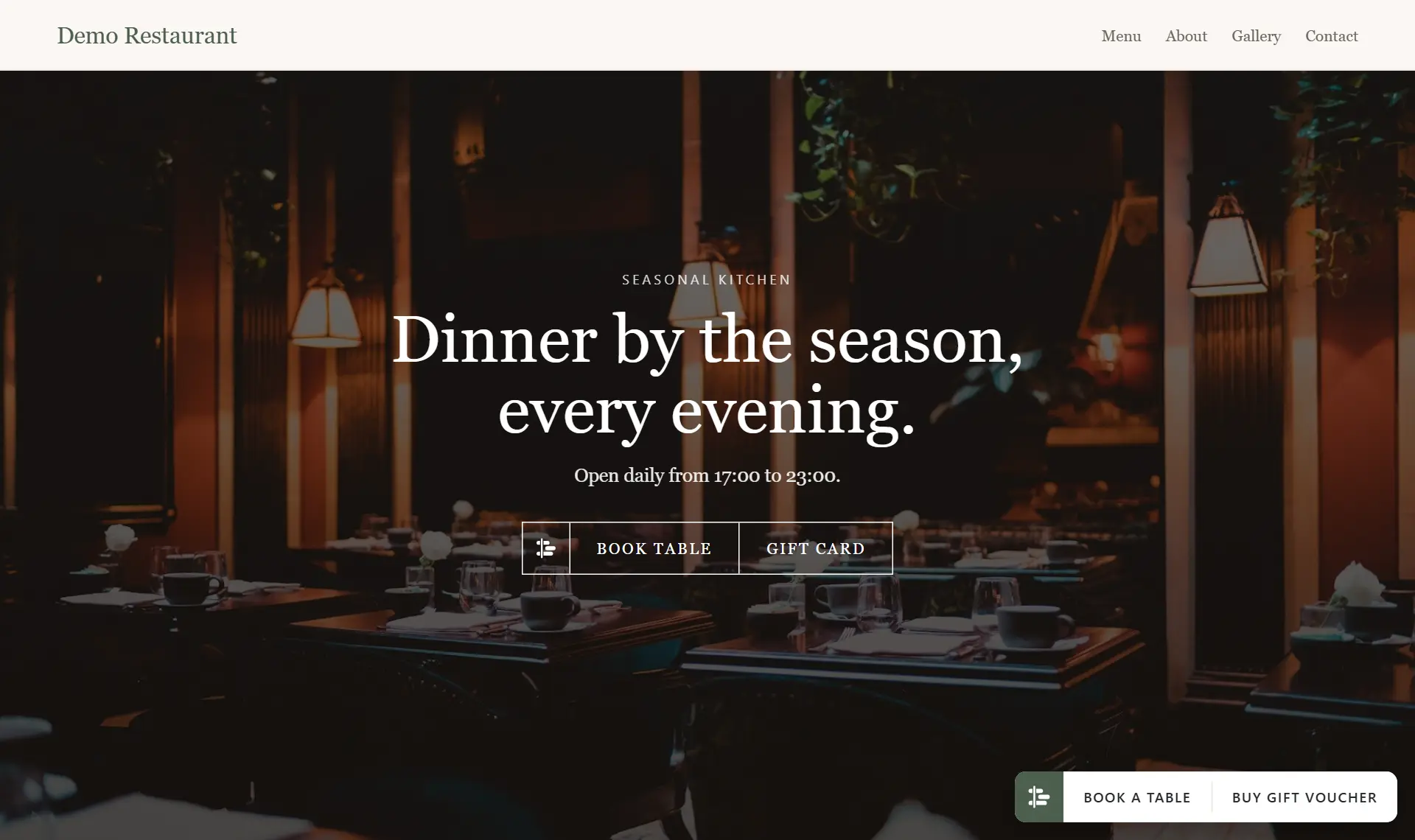
Built together with Michelin restaurant developers.
Running every service at Shichirin since 18 September 2026.
Developed with Michelin restaurant developers.
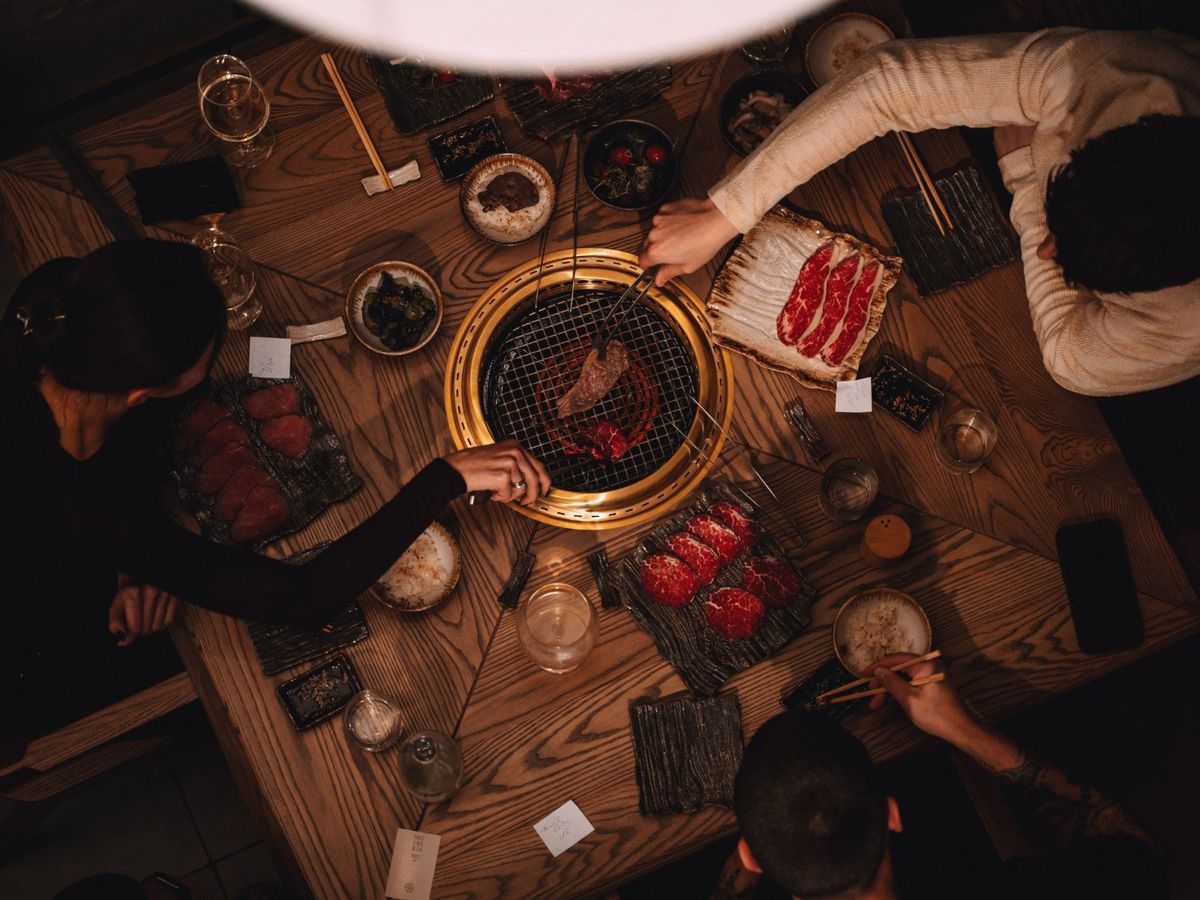
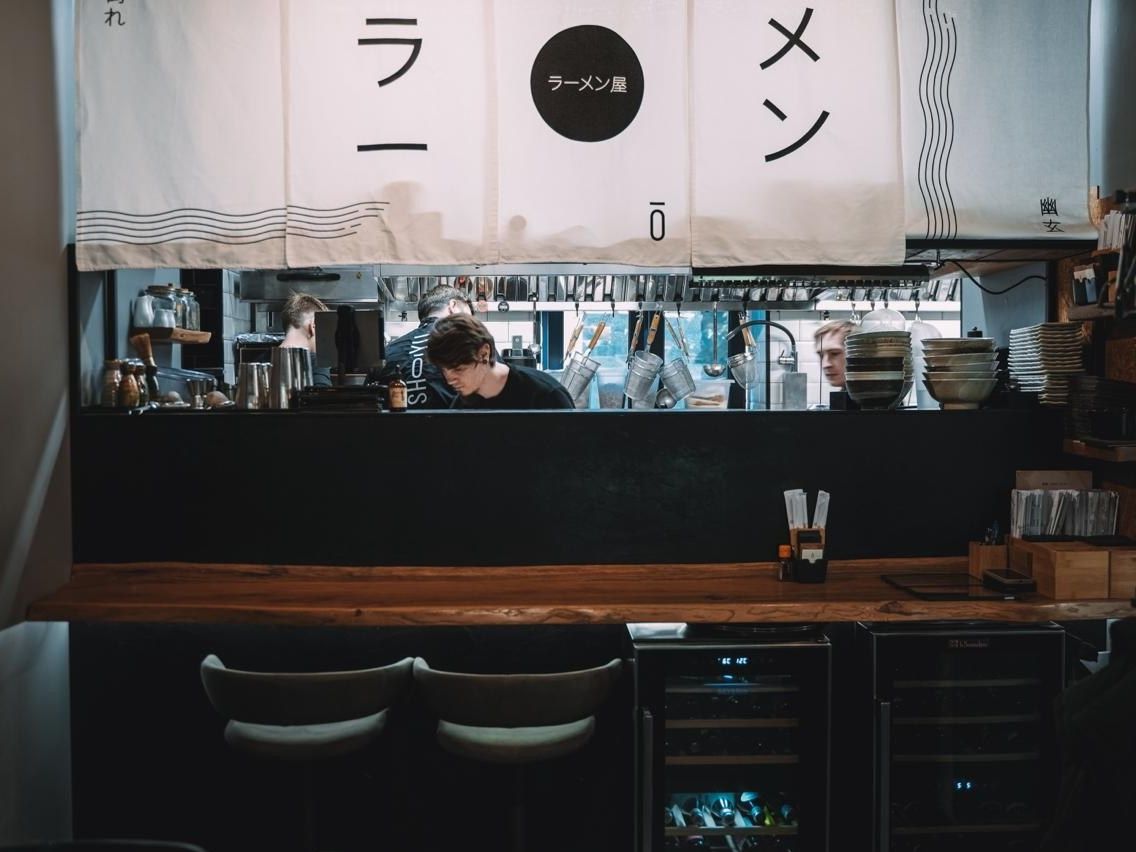
AVA was developed together with the team behind Shichirin and Shōyu – restaurant developers who had never used a reservation system that truly fit how they work. So we built one together – with their managers, on their floors, service by service – to give restaurants the most comfortable and best experience a reservation app can offer.
The whole evening, three ways to see it.
Timeline, map or list – the same live evening on every screen in the restaurant. Switch with one tap.
Every table across the evening. Drag a booking to move it – every device sees it at once.
Your room as it is right now: who is seated, who is late, which tables are free.
The day's bookings as a list – notes, visits and no-shows at a glance, with search and filters.
Everything the restaurant needs, in one system.
Tap any card to see it in AVA.
The timeline
Every table across the whole evening – or the same evening as a list, or as a floor map of which tables are free, booked or seated right now. Drag a booking to move it, and every device sees the change at once. Each floor has its own sheet.
The timeline is the heart of AVA: every table down the side, the whole evening across. Drag a booking to another table or time, tap to open it, see who is seated, late or still to come – or switch to a list or a floor map of the room. Every phone, tablet and computer in the restaurant shows the change the moment it is made.Online booking
Guests see real availability. AVA picks the best table and joins tables for big groups. The booking page looks like your own site.
Guests book from your website, your Google listing or Instagram, and only ever see times when a table is really free. AVA picks the table that fits the party best and joins tables for big groups, so no seat is wasted – and the booking window takes your colours.Booking buttons on your site
The widget bar or transparent buttons in your site's own font – placed where you want, in your colours.
Choose how bookings open on your website: the widget bar in the corner, or transparent buttons in your site's own font. Pick where they sit and their colours in Settings and preview them on a computer and a phone – your website follows without new code.Arranging tables
AVA can seat each booking at the table that fits it best and make room for a big group – automatically or with one button. Times never change; tables you mark Manual are never touched.
Switch Arrange tables to Automatic and AVA keeps moving bookings to the tables that fit them best, so a big group still finds room late in the day. Prefer to decide yourself? Use the button instead. Times never change, and a booking or table you mark Manual is never touched.No more no-shows
Hold a card and charge it only if the guest doesn't come, or take a deposit up front. The guest agrees before booking.
Set a rule – for example, groups of six or more – and AVA asks those guests for a card guarantee or a deposit while they book. If they don't come, charge the no-show fee with one tap on the booking. The guest agrees to your rule before booking, and the money goes to your own Stripe account.Waitlist
Fully booked? Guests join the waitlist on your booking page, and a freed table goes to the first one it fits.
When a time is fully booked, guests can join the waitlist right on your booking page. As soon as a table frees up, AVA offers it to the first guest whose party and times fit – by email, with time to claim it – or you offer it yourself from the timeline.Gift cards
Sold on your site and emailed with a code. Christmas and birthday designs, a day to send it on, bonus offers, and several cards at once with a company invoice. Spent in parts, with the expiry you choose.
Sell gift cards on your website and in your own AVA gift shop. Buyers pick a design – Christmas, birthday, thank you – send a card on the day they choose, buy several at once with an invoice for their company, and get bonus value during your campaigns. Cards are spent in parts, at the table or online.Events
Tasting menus and special nights with their own times, price, capacity (for the whole run or per night), cancellation rule, and an optional guest list instead of tables.
Tasting menus, wine dinners and special nights sit right in the booking window, with their own times and price, seats for the whole run or per night, their own cancellation rule – and a guest list instead of tables, if you like.Guest emails in your words
Confirmations, reminders, changes and cancellations in Latvian, English and Russian, with your logo and colours – every text editable. Guests change or cancel with one link.
Every email a guest receives – confirmation, reminder, change, cancellation – carries your logo and colours, in the guest's language. Write over any text right on the email, and guests change or cancel their booking with one link.Google reviews
The morning after, guests who came get a short email asking for a Google review – at most once every three months, and they can turn it off with one tap.
The morning after a visit, guests you checked in get a short email asking for a Google review – at most once every three months each, and anyone can turn it off with one tap. Switch it on in Settings by pasting your Google review link.Your guests' languages
Latvian, English and Russian – for your staff, your guests and every email. Need another language? We'll add it together.
AVA speaks Latvian, English and Russian everywhere: your staff choose theirs, guests book in theirs, and every email goes out in the language the guest booked in. Need another language? Tell us – we'll add it together.Stats
How the restaurant is doing: bookings, no-shows, new and returning guests, the countries they come from and which link brought them – each compared with last week or last month.
See how the restaurant is doing: bookings, guests, no-shows and cancellations, your busiest days and hours, new and returning guests, the countries they come from and which link brought them – each compared with last week or last month. Gift card sales are counted too.On your phone
The whole system works on a phone: hold a booking to move it, swipe to scroll, tap to open.
The whole system works on a phone: four tabs at the bottom, hold a booking to move it, swipe the timeline, tap to open. Run the evening from the floor, not from behind the counter.Your team
Staff accounts with roles, and an activity log that shows who changed what.
Give everyone on your staff their own sign-in with the role that fits – owner, manager or staff – and choose what each role may do. The activity log shows who changed what, and when.Marketing
Email campaigns and promo codes for your guest list.
Send email campaigns to guests who agreed to hear from you, built block by block with your logo and colours, and make promo codes for your gift cards. See who opened them.For your accountant
One Excel file with every payment AVA took for you – deposits, prepayments, gift cards, no-show fees, event seats – and AVA's fee on each, for any dates.
Settings → Accounting → Download for your accountant: one Excel file for the dates you pick. A summary; every payment AVA took for you – deposits, prepayments, gift cards, no-show fees and event seats paid at the venue – one per line, with AVA's fee on each; and every gift card with what is left on it. Hand it to your accountant as it is.More than one restaurant
Each restaurant open in its own tab, side by side – one email address for all of them.
Running more than one restaurant? Use one email address for all of them, and open each restaurant in its own tab, side by side, at the same time.Help when you need it
Write to us from Settings → Support. We answer in the app and by email.
Something not working, or a question? Write to us from Settings → Support, with a screenshot if it helps – your message reaches us straight away, and we answer in the app and by email.Moving over
We made switching from another booking system as easy as possible – your guests, bookings and gift cards come with you, as far as your old system allows.
From sign-up to your first booking in four steps.
-
01
Sign up
Sign up and name your restaurant.
-
02
Set up your tables
Add your tables and rooms, set opening hours and how long each table is kept – by party size and by hour.
-
03
Add your booking button
Add the booking button to your website with one line of code, or share your AVA booking link.
-
04
Take your first booking
Take bookings, deposits and gift cards, and run the evening from the timeline.
Your guests' money goes straight to you.
Deposits, card-hold charges and gift cards are paid into your own Stripe account. AVA never holds your money.
A plan for every restaurant.
First month free on every plan – AVA's share of guest payments applies from day one. No setup fee. Billed monthly, with two months' notice to cancel. Change plan whenever you like.
Start
For a small restaurant getting started.
First month free
Plus 4.5% + VAT on money guests pay through AVA, on the same monthly invoice.
- Bookings, the timeline and guest emails, in Latvian, English and Russian
- Deposits, card holds and gift cards
- One payment policy at a time
- Events – one at a time
- Basic stats, up to 3 staff accounts
- Marketing (email campaigns and promo codes), full stats and the waitlist: on Standard
Standard
Most restaurantsEverything AVA does, for a busy restaurant.
First month free
Plus 2.5% + VAT on money guests pay through AVA – deposits, prepayments, gift cards and no-show fees – and on event seats, including those paid at the restaurant. All on the same monthly invoice.
- Everything included
- Payment policies and events without limits
- Full stats, waitlist and email campaigns
- No limit on bookings
- Monthly – two months' notice to cancel
Group
For 3 or more restaurants.
First month free for each restaurant
Plus 2.5% + VAT on money guests pay through AVA, as on Standard.
- Everything in Standard, in every restaurant
- Each restaurant open in its own tab, one email address for all of them
- No setup fee
- Monthly – two months' notice to cancel
Before you buy
What to have ready.
- A Stripe account (free), if you want deposits or gift cards.
- Your website, or just the AVA booking link.
- An export from your current system, to bring your guests, bookings and gift cards.
- About half an hour to set up your tables.
Questions
No. Every restaurant gets its own AVA booking link and gift-card shop, ready to share on Instagram or anywhere else – and on your Google listing it becomes the reservation button.
Into your own Stripe account, straight away.
With a card hold, you charge the amount the guest agreed to. With a deposit, it is already paid.
Only if you switch Arranging tables on, and never a booking's time or a table you marked Manual.
Yes. Tell us which one you use, and we will bring over your guests, bookings and gift cards – as far as it allows.
Latvian, English and Russian, for staff and guests. Another language on request.
Yes. Tell us – a language, a feature, a way of working. That is how much of AVA was built.
Yes – the first month is free on every plan. You add a card when you start your subscription in Settings; nothing is charged for 30 days, and the first monthly payment is taken on day 30. AVA's share of the money guests pay through AVA applies from the first day and is on that first invoice. Cancel during the free month and no monthly fee is charged. One free month per restaurant.
There is no fixed term – AVA is billed monthly. Your first month is free: cancel during it and no monthly fee is charged. After that, give two months' notice: the subscription ends two months after you cancel and is billed as usual until then. Refunds & cancellation
Write to us from Settings → Support, with a screenshot if it helps. We answer in the app and by email.
Where AVA is going.
-
Now
Open to more restaurants
First built with Shichirin and Shōyu – now open to every restaurant that wants it.
-
Next
Just for you
A plan for restaurants that want something of their own: features built for your way of working, available only to you.
-
Later
Your phone, answered
AVA started as an idea for a voice assistant that answers your phone and books the table. That is where we are heading.